Webflow vs WordPress: Which Platform Should You Choose for Your Website in 2026?
Choosing between Webflow and WordPress is not just a matter of technical preference.
In practice, this decision affects the budget, maintenance, design freedom, speed of launch, security, and even the level of autonomy of the team that will manage the website afterward.
It is also a question that many companies ask themselves too late. Often, they start by looking at the monthly price or the popularity of the tool. In reality, that is almost never the right perspective. What really matters is the nature of the project: a business website, blog, corporate site, landing page, e-commerce store, editorial platform, or a more complex environment with specific requirements.
As a freelance Webflow web designer and developer, I have often noticed that the wrong decision is not necessarily choosing Webflow or WordPress. The real issue is choosing a tool that does not match either the client’s level of autonomy or their medium-term goals.
The fundamental difference between Webflow and WordPress
The most important difference between Webflow and WordPress is not visual. It is structural.
Webflow is a SaaS platform, meaning an all-in-one tool. Design, editing, hosting, and many technical aspects are all grouped within the same ecosystem.
WordPress, on the other hand, is an open-source CMS. It provides a very powerful foundation, but you then have to build around it: hosting, theme, plugins, security, maintenance, backups, sometimes a page builder, sometimes custom development.
If you want to clarify that distinction first, I have a complete guide explaining what a CMS is, how it works and how to choose the right one.
Put differently, Webflow aims to simplify the production chain within a more controlled environment. WordPress offers much more freedom, but that freedom also requires more decisions, more tools, and more responsibility.
This is why people often compare the two to a more closed, premium, and structured environment on one side, and a more open, extensible, but also more heterogeneous ecosystem on the other. This is not just a marketing comparison: in real projects, this difference quickly affects how the website is organized and maintained.
Webflow or WordPress: it depends on the type of project
The real question is not which platform is “the best” in general. It is which one is best suited for a specific need.
For a premium business website, a highly designed landing page, a marketing website for a startup, a brand that wants a strong visual identity, or a team that wants to edit content without relying on a heavy technical stack, Webflow is often a very relevant choice.
For an editorial blog, a site with very specific requirements, a project that depends on many third-party functionalities, or a highly modular architecture with advanced extensions, WordPress still has a clear advantage thanks to its massive ecosystem of themes and plugins.
This is where shortcuts should be avoided. Webflow is not automatically the right choice because it is more modern. WordPress is not automatically the right choice because it is more widespread. Each tool has its strengths, but also its blind spots.
Design: one of the biggest gaps between the two
If there is one area where the difference between Webflow and WordPress becomes immediately visible, it is design.

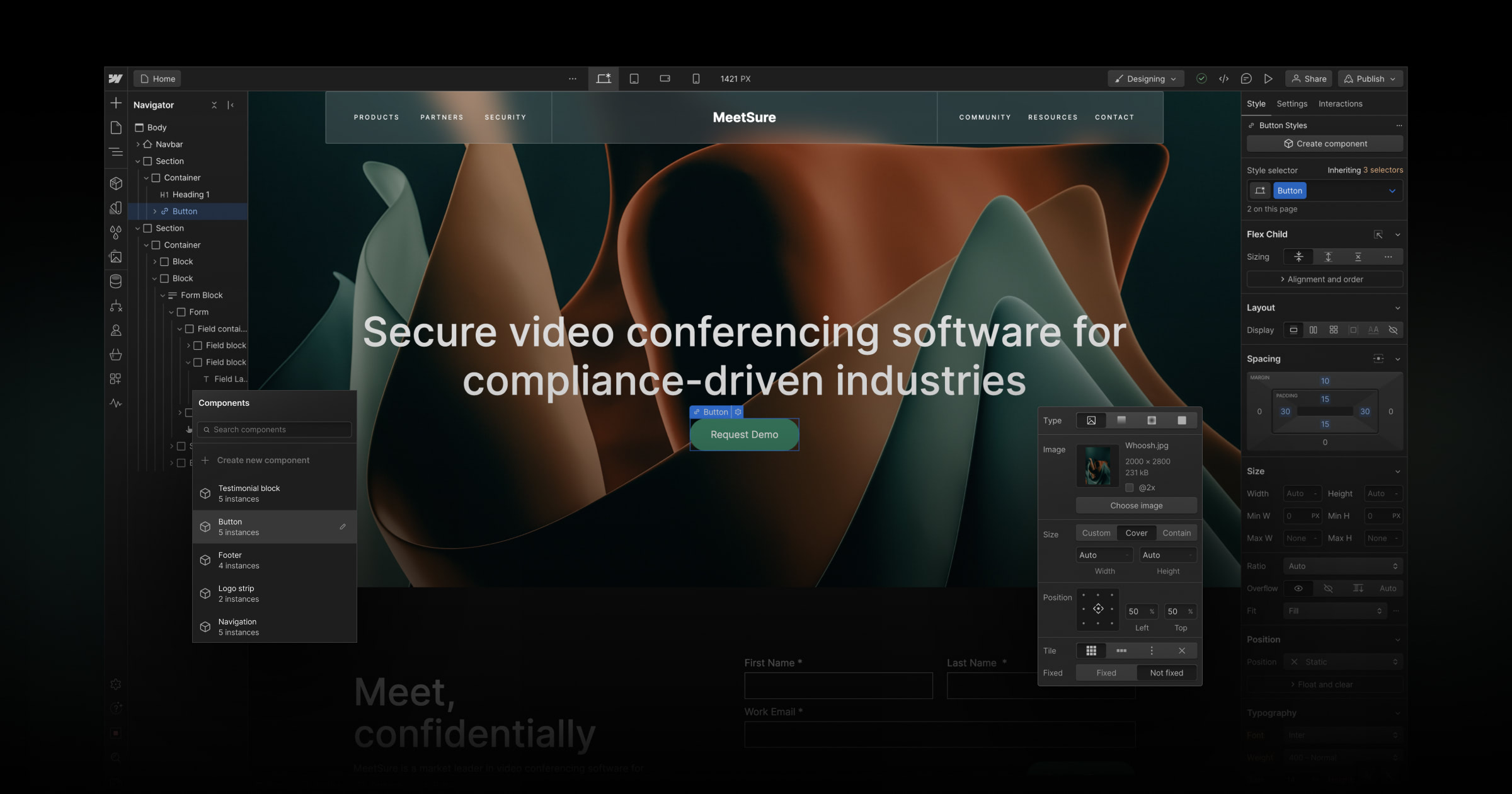
Webflow was built with a design-first philosophy
It allows very precise visual control over structure, spacing, interactions, responsive behavior, and the overall consistency of the interface. For a brand that wants to stand out with a polished, custom, more editorial or more premium website, this is a real advantage. Several sources also highlight this high level of creative control on the Webflow side, whereas WordPress often depends more on the chosen theme, page builder, or the quality of the integration.
In practice, this makes a big difference. In a branding project, the goal is not simply to “put a website online.” The goal is to create an experience aligned with a positioning, a visual identity, and a clear hierarchy of information. In that context, Webflow often makes it easier to reach a clean and precise result more quickly.

WordPress can also produce good design results.
But it is important to be honest: it depends more heavily on the chosen stack. Between Gutenberg, Elementor, Bricks, Divi, a premium theme, or a custom-built theme, the experience can be very good… or quite messy. WordPress offers enormous flexibility, but that flexibility does not guarantee consistency.
More visual freedom does not always mean a better website
There is, however, an important point to keep in mind. A Webflow website is not automatically high-performing simply because it looks beautiful.
One of the sources rightly points out that many Webflow websites are unnecessarily heavy, overly animated, and visually overloaded, sometimes at the expense of the real user experience and even conversion. This is a key point. A good website is not one that impresses only with animations. It is a website that delivers the right information, at the right moment, with a clear user journey.
In other words: Webflow offers excellent tools for visual storytelling, but they still need to be used with restraint.
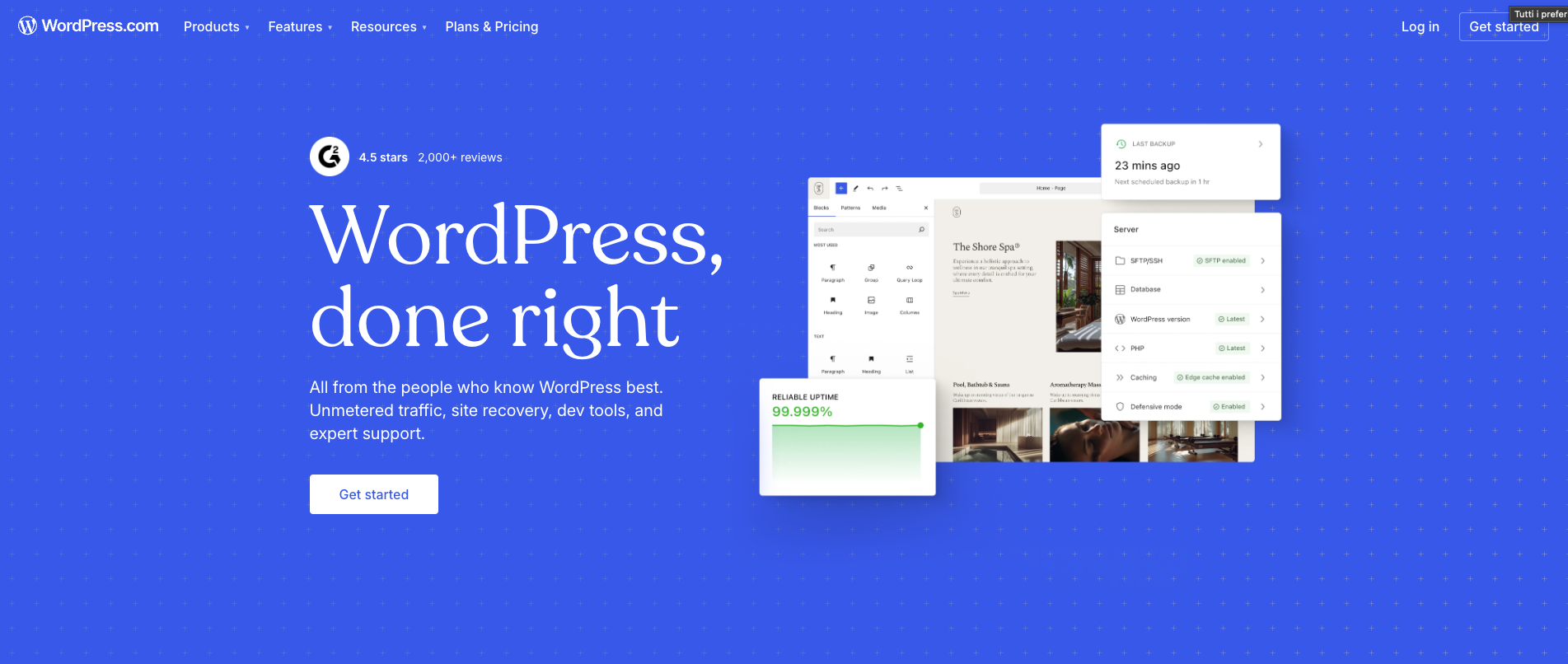
WordPress still has a strong advantage in functional flexibility
Where WordPress remains extremely strong is its ability to adapt to almost anything.
Its ecosystem is built around thousands of themes and tens of thousands of plugins, giving it a level of functional depth that is difficult to match. Editorial websites, directories, membership areas, advanced e-commerce, LMS platforms, booking systems, multilingual setups, complex automations, advanced SEO tools, custom security configurations—everything exists within the WordPress ecosystem, often with several possible solutions.
For certain projects, this richness is a decisive advantage. If the requirements go beyond standard use cases or involve very specific components, WordPress often allows you to assemble a highly complete solution.
But this flexibility comes with a hidden cost: the more components you add, the more you increase the risks of conflicts, maintenance work, dependencies, and sometimes technical debt.
Maintenance: this is often where the real difference appears
In many comparisons, the discussion focuses mainly on features or pricing. In reality, in day-to-day practice, maintenance is often what ultimately influences the decision.
Several sources point in the same direction: a WordPress website generally requires more ongoing maintenance, especially when it relies on multiple plugins. Updates, compatibility checks, backups, security monitoring, manual interventions, and risks related to outdated extensions are all part of the normal lifecycle of a well-managed WordPress website.
This is something many clients underestimate at the beginning. The website was cheaper to launch, so it seems like the most cost-effective option.
However, after 12 to 24 months, between premium plugins, maintenance hours, small fixes, and unexpected issues, the equation can change.
Webflow, on the other hand, reduces much of this workload because it centralizes more of the core components. Several sources point out that in this model, maintenance is less about fixing technical issues and more about continuous optimization of the website: UX improvements, content updates, internal linking, SEO, and editorial performance.
For a small business or a marketing team, this difference is far from trivial. It often means less friction, fewer unexpected problems, and greater day-to-day autonomy.
To assess these criteria beyond the technical comparison, read Studio Nomad’s guide to choosing a CMS for companies and marketing teams. It offers a closer look at editorial autonomy and content management requirements.
Security: simplicity vs control
When it comes to security, the logic is similar.
Webflow benefits from a more controlled environment. Because the ecosystem is more closed, there are fewer external variables to manage. Backups, infrastructure, SSL, and part of the core security standards are built directly into the platform. For many companies, this is reassuring because it reduces common points of vulnerability.
WordPress, on the other hand, can also be very secure, but it relies more heavily on the right technical choices: hosting provider, reliable plugins, update policies, backups, firewalls, site hardening, theme quality, and the overall discipline of the project. Many sources emphasize that security issues often come less from WordPress itself and more from a stack of poorly maintained or poorly chosen plugins.
In short, Webflow simplifies security. WordPress offers more control, but requires more involvement.
SEO: a close match, with two different approaches
Webflow provides the essential SEO foundations natively: title tags, meta descriptions, clean URLs, sitemaps, 301 redirects, alt text, responsive design, and generally clean code. For many business websites, corporate sites, or well-structured local SEO projects, this is already more than sufficient.
In addition, Webflow adapts particularly well to recent developments in search, especially GEO (Generative Engine Optimization) and AEO (Answer Engine Optimization). Thanks to cleaner code, clear HTML structure, and simple content management, it becomes easier to create pages that are readable not only by Google but also by AI search engines and conversational assistants. I have discussed this topic in more detail in another article dedicated to optimizing Webflow for GEO and AI-driven search, where I explain how to structure a website so that it is better understood by new search systems.
WordPress still maintains an advantage in the SEO ecosystem. With specialized plugins, it can go further in certain advanced configurations and offers more modularity. This is particularly useful for editorial websites, large blogs, or environments where the content team wants many options and configuration settings without relying on code.
The important nuance is that SEO does not depend only on the CMS.
It also depends on the level of execution. A poorly built WordPress website will not be “better for SEO” simply because it uses Rank Math or Yoast. In the same way, a well-structured Webflow website can perform very well if it is based on a solid content strategy, a good information architecture, and a fast website.
Performance: Webflow often starts with an advantage, but not automatically
When it comes to performance, sources frequently point to a Webflow advantage, mainly due to its optimized hosting, cleaner code, and more controlled environment.
In practice, this is often true for well-designed marketing or business websites. Webflow makes it relatively easy to produce fast websites with a healthy technical foundation—provided the project is not overloaded with heavy media, excessive animations, or unnecessary scripts.
WordPress, on the other hand, can also be very performant, but it is more variable. Everything depends on the hosting provider, the theme, caching configuration, installed plugins, the quality of the page builder, and the overall optimization of the project.
This is what often makes the debate misleading: WordPress is not inherently slow, but its performance depends much more on how the technical stack is assembled.
Pricing: the cheapest option at the beginning is not always the most cost-effective
The topic of cost is probably the one that creates the most confusion.
On paper, WordPress often appears more affordable. The CMS itself is free, hosting can be inexpensive, and there are countless free or low-cost themes and plugins available. Several sources confirm that WordPress can start with a very low upfront cost, whereas Webflow usually requires a more structured subscription.
But a website should not be evaluated only by its entry cost.
You also need to consider:
- setup time
- ongoing maintenance
- premium plugins
- bug fixes
- security costs
- developer intervention when needed
- long-term complexity
This is where Webflow can become economically consistent, especially for companies that want a clean, stable marketing website that is easy to evolve and less dependent on continuous technical maintenance.
One of the sources summarizes this well: Webflow often costs more in subscription fees, but it can save money in operations and human time.
Community and learning: WordPress is massive, Webflow is more focused
When it comes to community, WordPress remains a giant. Documentation, tutorials, forums, specialized hosting providers, agencies, and freelancers working with it are everywhere. For beginners, this can be reassuring: there is almost always a resource or professional available to help.
Webflow has a smaller but very active community, supported by a strong educational ecosystem around Webflow University, the community forum, and a network of highly engaged agencies and creators. Several sources highlight this dynamic, even though the ecosystem is naturally smaller than WordPress.
In short: WordPress has the advantage of scale. Webflow has the advantage of a more homogeneous environment that is often clearer for design-oriented profiles.
So, Webflow or WordPress: which one should you choose for your context?
Here is the simplest way to think about the decision.
Choose Webflow if:
- you want a visually polished business or marketing website
- you place strong importance on design and brand image
- you want to limit technical maintenance
- your marketing team needs to update and evolve the site more easily
- you are looking for a more structured, consistent, and centralized solution
Choose WordPress if:
- you need very high functional flexibility
- your project relies on a rich plugin ecosystem
- you are building a large blog or editorial website
- you have a limited initial budget
- you are prepared to manage, or have someone manage, more regular maintenance
My perspective as a freelancer
In practice, I find that Webflow is particularly relevant for companies that want a premium website that is clear, easy to maintain, and designed as a real communication or acquisition tool.
WordPress remains very strong as soon as the project becomes more composite, more extensible, or when the goal is to build around a very rich ecosystem of extensions and configurations.
A common mistake is choosing WordPress only because it “costs less,” and then later discovering that the site relies on a stack of plugins, forgotten maintenance, and an interface that becomes difficult to evolve.
The other mistake is choosing Webflow for the wrong reasons—simply because it is trendy—when the project actually requires a more open functional architecture.
Conclusion: the right platform is the one that will still fit in two years
The difference between Webflow and WordPress is not only about the moment when the website is built. It is mostly about the long term.
If your priority is a brand website that is clean, high-performing, visually strong, with lighter maintenance and a more structured editing experience, Webflow is often an excellent option.
If your priority is maximum flexibility, extensibility, a more flexible initial budget, or a project that depends on many specific components, WordPress remains a very solid reference.
In other words, do not just choose a tool. Choose the way you want your future website to be managed.
That is usually where the right decision is made: not by looking at the most popular platform, but by honestly evaluating your resources, your level of autonomy, your business goals, and the real complexity of the project.
Want another perspective? Watch this video.
Should you migrate from WordPress to Webflow?
This Webflow University video provides a strategic overview of migrating a website from WordPress to Webflow. It explains why teams consider switching, how to audit an existing site (features, content, and design), and outlines the key stages of the migration before launching and managing the site in Webflow.
FAQ
Webflow or WordPress: which platform should you choose for a brochure site in 2026?
For a professional brochure site in 2026, Webflow is often the better choice: fully free design, no plugin maintenance, included secure hosting, high native performance and an intuitive CMS. WordPress remains relevant if you already have an existing ecosystem, need very specific plugin-based features, or your team is already familiar with the platform. The decision should be based on project needs, not just popularity or upfront cost.
Is WordPress cheaper or more expensive than Webflow over the long term?
WordPress is often perceived as cheaper because the software is free. But when you factor in quality hosting, premium plugins, security updates, backups and regular technical maintenance, the total cost of a professional WordPress site can exceed that of a Webflow site. Webflow is all-in-one: the subscription includes hosting, security and performance. Over a 2 to 3-year period, the costs are often comparable, with less technical overhead on the Webflow side.
Can an existing WordPress site be migrated to Webflow?
Yes, migrating from WordPress to Webflow is possible and increasingly common. It involves redesigning the site in Webflow (there's no faithful automatic conversion), migrating content (blog posts, pages, media) to the Webflow CMS, and setting up 301 redirects to preserve SEO. A well-executed migration can maintain or even improve your Google rankings. It requires an experienced Webflow developer.
Is Webflow suitable for a blog with lots of articles?
Webflow is perfectly suited for professional blogs. The CMS handles up to 10,000 articles on the Business plan (2,000 on CMS), with filtering, sorting and search options. The article editor is visual and intuitive. For very high-volume blogs (100,000+ articles) or complex editorial platforms with multiple authors and advanced publishing workflows, WordPress or a headless solution may be more appropriate. But for 95% of professional blogs, Webflow is more than enough.
Is Webflow more secure than WordPress?
Webflow is inherently more secure than WordPress for several reasons: there are no third-party plugins to maintain (the main source of WordPress vulnerabilities), hosting is managed by Webflow to high security standards, and platform updates are automatic and transparent. WordPress with good maintenance (regular updates, security plugins, quality hosting) can be very secure, but it demands constant vigilance. Webflow eliminates that risk structurally.