Source by Webflow: What the Views and AI Agents Preview Reveals
Building a first version with AI is becoming easier. Making that website coherent, maintainable and usable by a whole team is a different challenge. Source by Webflow addresses that second part: bringing agents, visual editing and the project’s actual code into a shared workspace.
The first View Source livestream, with Matthew P. Munger, Timothy Ricks and product manager Katherine Grigo, gives a practical look at that direction. Its focus is custom Views: interfaces built around a particular task. This article analyses the demonstration and official material, rather than reporting a hands-on test. Source remains in limited research preview.
What is Source by Webflow?
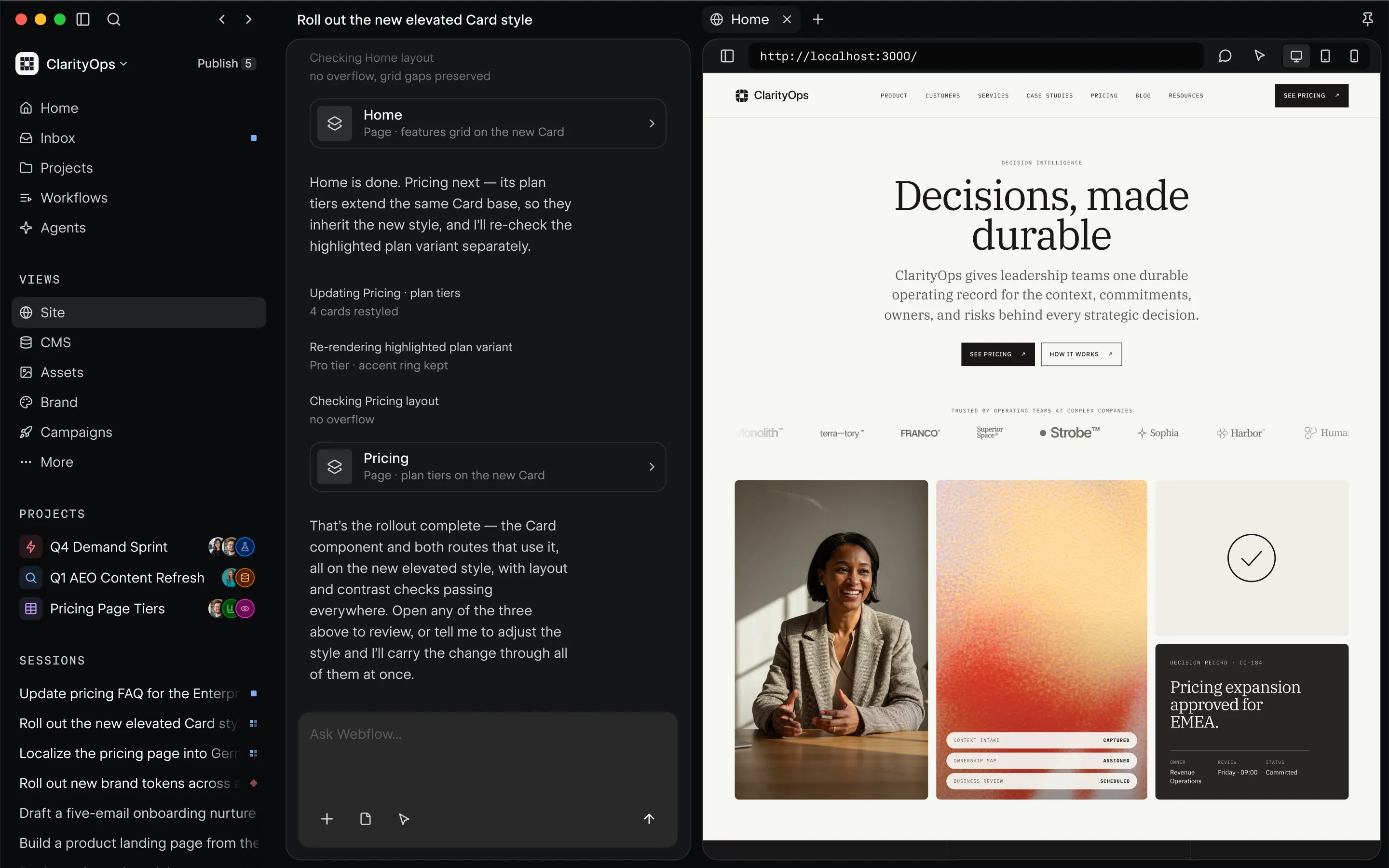
Source is a new platform designed to connect a team’s codebase, content and tools with AI agents. A workspace contains people and work; projects organise a goal and brief; sessions hold the interaction with an agent. Views provide the interface through which someone examines, edits or approves that work.
That structure matters because a website rarely ends at launch. Designers refine components, marketers update campaigns and developers maintain integrations. The official Source page presents a shared environment where those roles can work with different interfaces while keeping the same underlying context.
Real code becomes the foundation
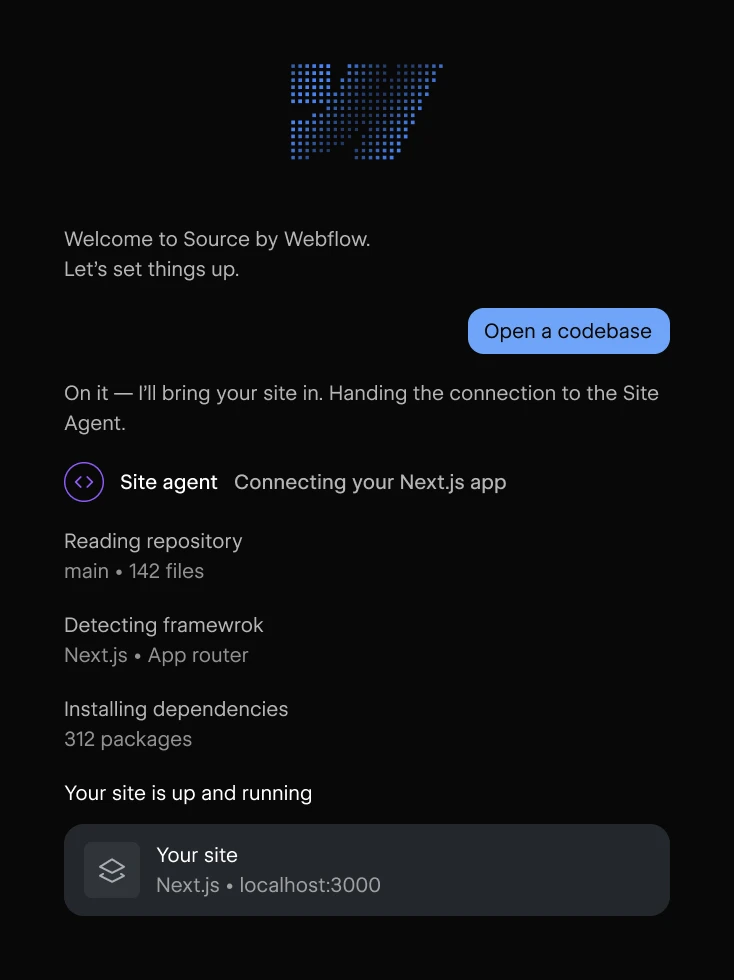
In the stream, Matthew opens a local Astro project. Source recognises the framework, starts a preview and exposes the project files. Connecting a GitHub repository is the other entry point shown. The team also describes cloud environments that let people work on a shared codebase without setting up local development.
The key shift is that agents work on the files that produce the website. Visual tools and direct code editing become ways of working with that same project. Astro and Next.js are the starting frameworks discussed in the preview; the broader ambition to connect different stacks should not be read as proof that every existing setup is already supported.
Custom Views are the most interesting part of the preview
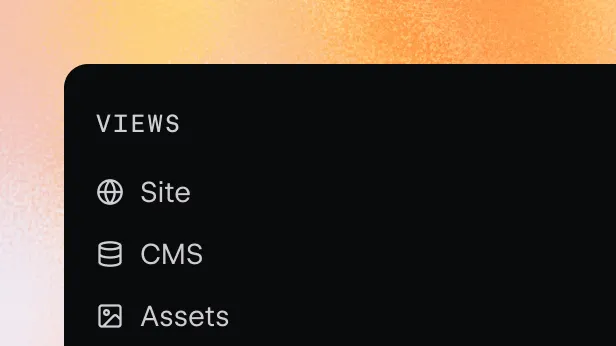
A View is an interactive surface assembled from blocks. It can show a page preview, component controls, code, content or an audit. Views can sit alongside each other, so the interface can follow the task: inspect an issue, select the affected element and edit it without repeatedly changing tools.
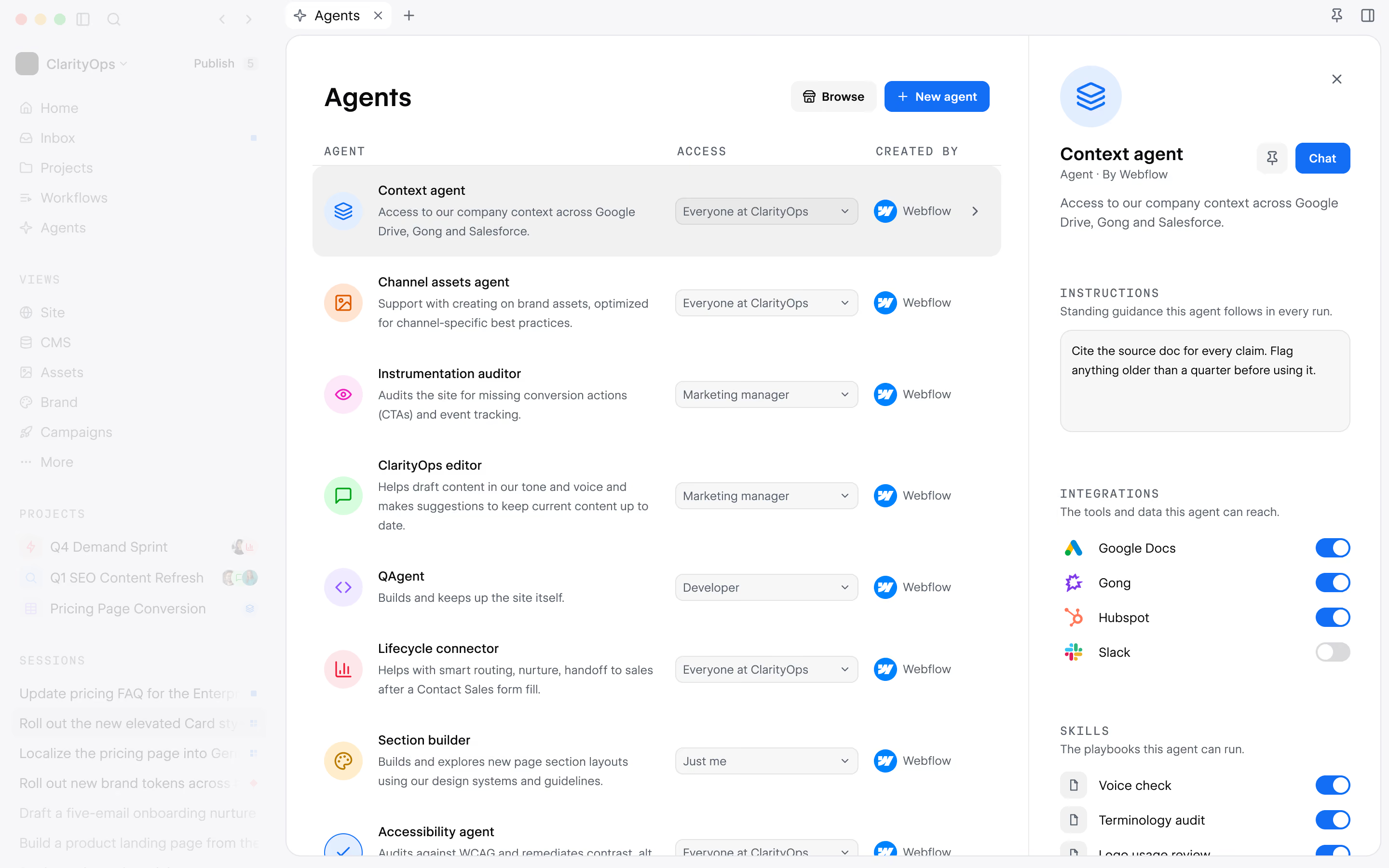
Timothy demonstrates a component navigator that exposes the controls relevant to his project. He also shows theme previews and a code view tailored to the way he wants to work. Webflow says its first View Builder agent can help create and edit these interfaces. The examples are custom tools built for the demonstration, rather than a list of standard panels every account automatically receives.
From a design system to a useful client interface
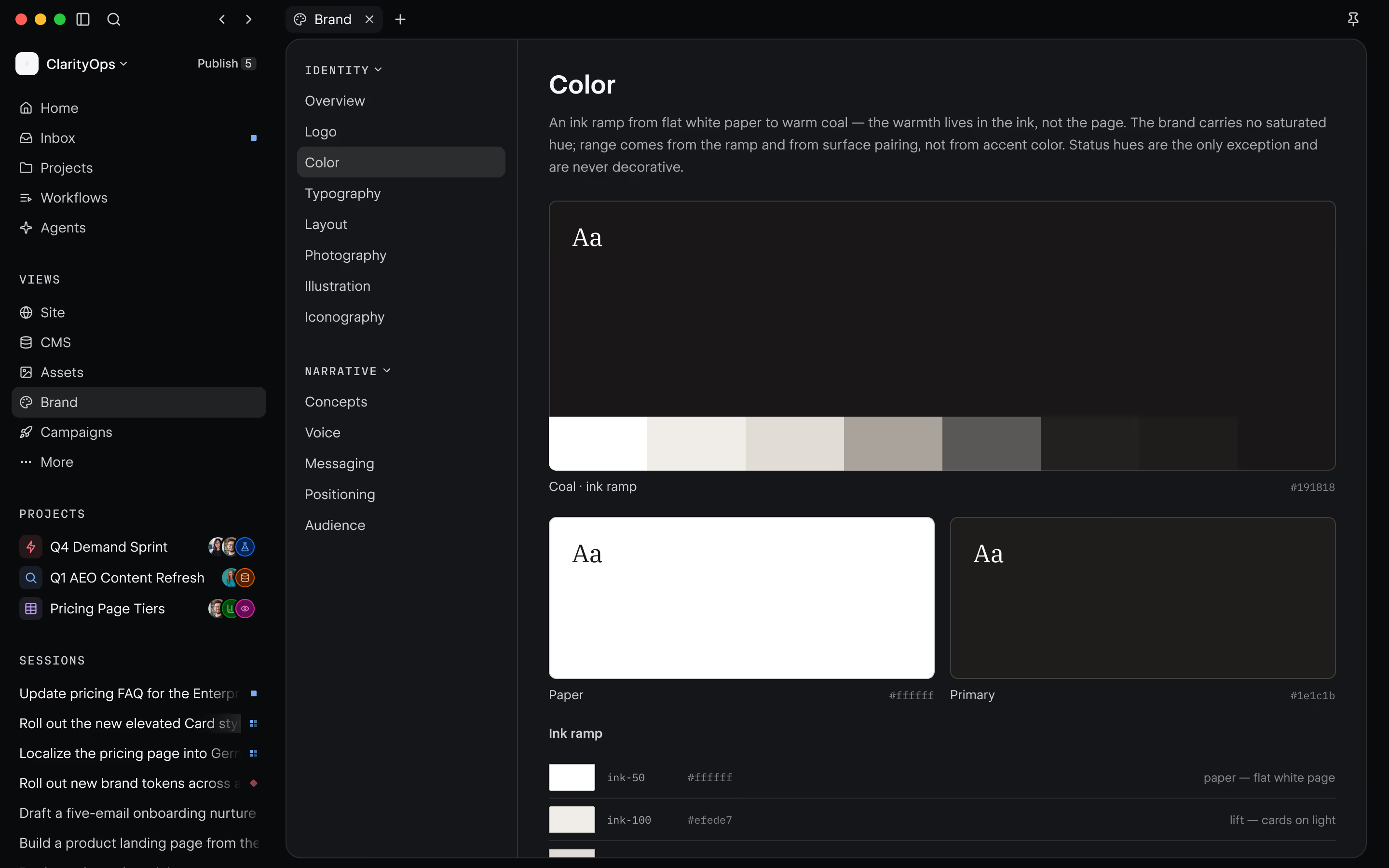
The brand system View reads design information from a project’s design.md file in the demo. Colours, typography, spacing and other tokens become visible, with access to the corresponding data. Another custom View displays components across the site, including their usage, interactive behaviour and variants.
For my work as a designer and Webflow developer, this is the most promising direction: designing the editing experience as carefully as the public website. A client could work with approved components and meaningful controls, while the developer keeps a fuller technical interface. That potential still depends on the permissions, validation and maintenance put around each custom tool.
Accessibility checks beside the page
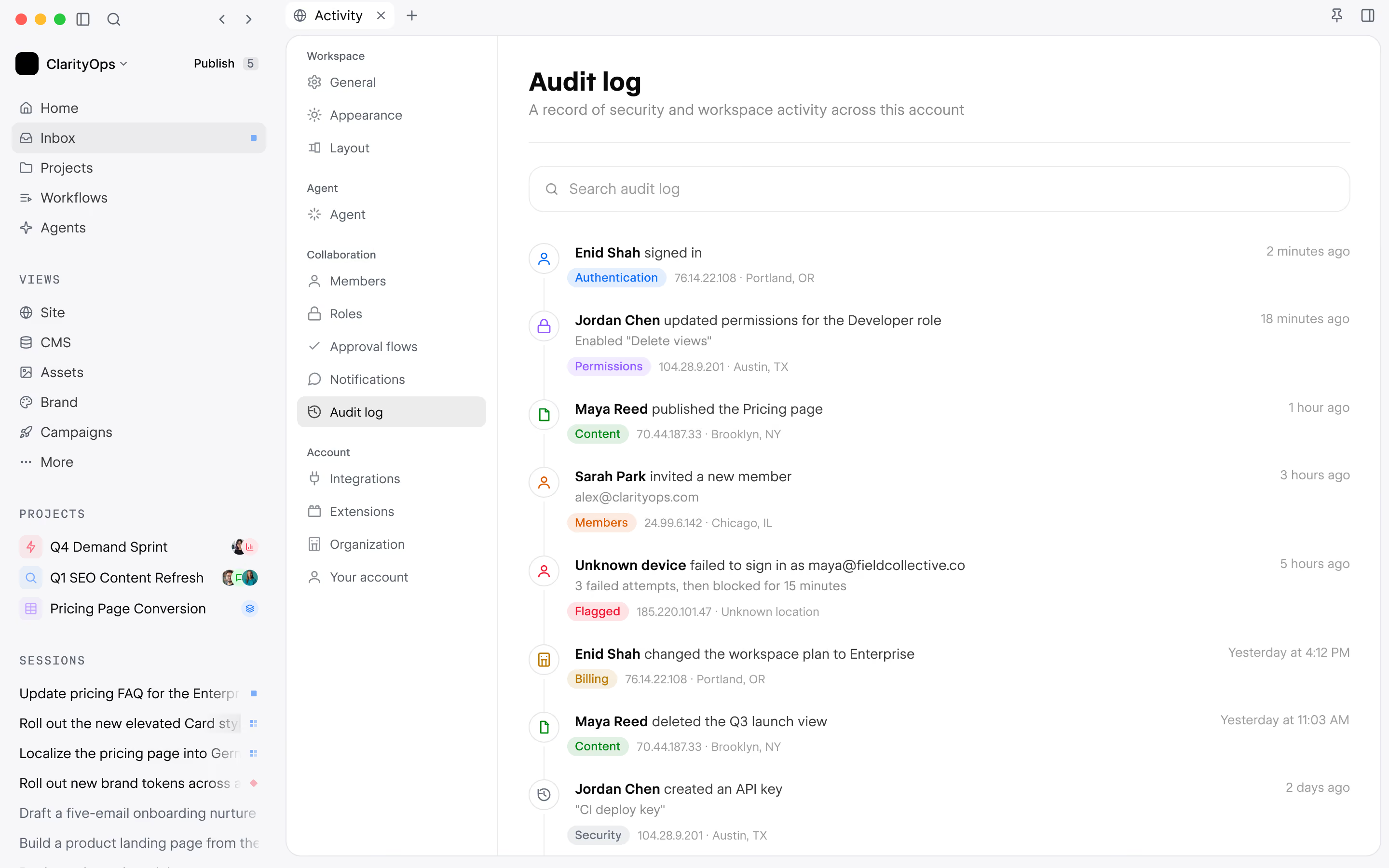
Matthew’s custom accessibility View scans 104 pages in the demo and groups issues by page or type. He puts the audit next to the preview, identifies a heading that skips from H2 to H4, and changes its code to H3. It is a useful example of connecting a finding to the place where it can be addressed.
Those numbers describe the demonstration site, not a performance benchmark. Nor does an automated scan establish that a website is accessible: keyboard navigation, focus behaviour, semantics and real user journeys still need review. The value here is a more convenient working interface for investigating and correcting issues.
Views can also create assets and internal tools
The examples extend beyond page editing. Timothy shows an icon builder that saves an asset into the project, followed by social graphics with editable properties. Matthew demonstrates a shader tool with visual controls, a timeline and the ability to save a still image or use animation code.
This suggests a practical role for agencies: build small tools around recurring client tasks, such as producing an approved campaign graphic. The interface becomes part of the delivery. It also creates a responsibility to maintain those tools and ensure that the assets and changes they produce meet the project’s standards.
Does Source replace the Webflow Designer?
Webflow’s official FAQ says it will continue investing in the existing platform. It also promises a supported migration path for teams that choose Source when it is ready for them. In the livestream, the team explains that bringing an existing Webflow website into Source would mean moving it into a codebase such as Astro or Next.js. The complete migration workflow is not demonstrated.
This is a different direction from connecting an assistant to an existing Webflow project through MCP. I explain that workflow in my guides to Webflow MCP with Cursor and Webflow MCP with Claude. A functioning Webflow site does not need an immediate rebuild simply because Source has been announced.
Availability, pricing and what is still on the roadmap
At the time of this article, the official page describes a limited research preview with phased access. In this livestream, Webflow gives no general availability date or final pricing. Katherine describes a possible platform fee plus usage-based AI credits, and says existing plan pricing is not changing as part of that announcement. These are preview statements, not a final Source price list.
The stream reports recent work on GitHub cloud sessions, publishing changes to an app branch, deployment to Webflow Cloud and the View Builder agent. Sharing custom Views, agents and skills, more specialised agents, and a first iteration of the next-generation agentic CMS are described as upcoming milestones. In particular, the content demo uses Astro collections; it is not a demonstration of that future CMS.
My take: the opportunity is in the workflow
The strongest idea in this preview is the ability to shape the interface around the person doing the work. Faster generation is useful, but a client also needs to understand what they can edit, how to review it and how to avoid breaking the system. Custom Views could make those decisions tangible.
I would assess Source on a real project by checking component reuse, code quality, permissions, review flows and the effort needed to maintain its custom tools. For now, the next step is to apply for the research preview and follow the product’s evolution. If you are deciding how AI should fit into your own website workflow, let’s discuss your project.
Sources and further reading
FAQ
What is Source by Webflow?
Source is a new platform combining AI agents, visual editing, code and team tools. Its Views can be tailored to different tasks and roles. It is in a limited research preview.
Does Source replace Webflow?
Webflow says it will continue investing in the existing platform and provide a supported migration path for teams that choose Source. The stream discusses conversion to a codebase such as Astro or Next.js without demonstrating the complete process.
Can I use Source now?
Access is limited and expanding in phases. You can apply for the research preview at webflow.com/source. Applying does not guarantee immediate access.
How much does Source by Webflow cost?
The livestream analysed here does not announce final pricing. Webflow discusses a possible platform fee and usage-based AI credits. That direction is not a final commercial offer.
Does the stream demonstrate the new agentic CMS?
No. The content demonstration uses Astro collections. A first iteration of the next-generation agentic CMS integrated with Source is described as an upcoming milestone in the stream.